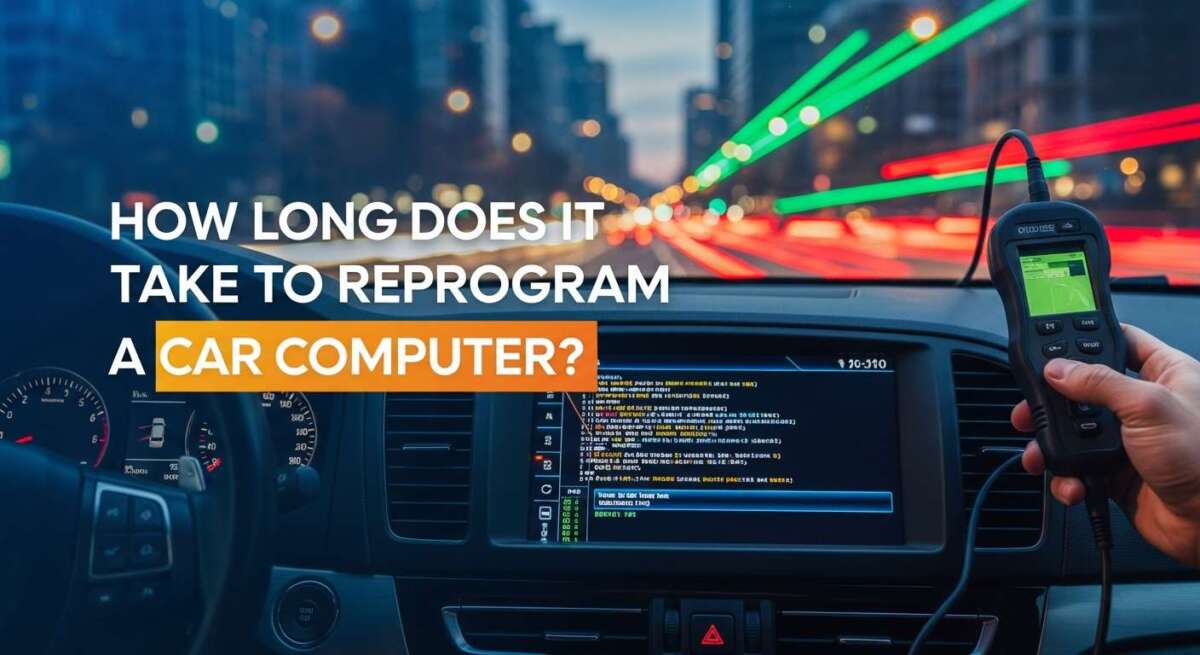
How Long Does It Take to Reprogram a Car Computer?
Have you ever looked at your dashboard and seen it light up like a holiday tree? It is scary. Your car acts weird. It might stall. It might not shift right. You rush to the mechanic. They say, “You need a computer update.”
You pause. You wonder. How long does it take to reprogram a car computer? Will you be without a car for days? Will it cost a fortune?
I have been there. I have stood in the shop with a coffee in one hand and a scanner in the other. I have watched the progress bar crawl across the screen. It can be slow. It can be fast. But do not worry. I am here to explain it all.
This guide is for you. I will break it down. We will keep it simple. We will keep it clear. By the end, you will know exactly what to expect.
The Short Answer
Let’s get right to the point. How long does it take to reprogram a car computer?
Usually, the actual update takes 30 minutes to one hour.
But wait. That is just the computer part. The whole visit to the shop might take two to three hours. Why? Because the mechanic has to prep the car. They have to hook up tools. They have to test it after.
So, plan for a morning or an afternoon. Do not plan for a quick ten-minute stop.
Understanding the Brain of Your Car
Your car is smart. It is not just metal and oil. It is full of wires and chips. We call the main brain the ECU (Engine Control Unit) or the PCM (Powertrain Control Module).
Think of it like your smartphone. You know how your phone needs an update sometimes? It fixes bugs. It makes apps run faster. Your car is the same.
Updating vs. Resetting
People get confused here. There is a big difference between a reset and a reprogram.
- Resetting: This is like restarting your phone. It clears old memory. It forgets bad habits. It takes seconds.
- Reprogramming: This is like installing a new iOS or Android version. It erases the old code. It writes new code. It takes time.
We are talking about reprogramming today. This is serious work. It changes how the car thinks.

Credit: www.youtube.com
The Real Timeline: A Deeper Look
You want to know the details. I like that. Let’s dig deeper into the time.
The “Flash” Time vs. The “Shop” Time
I remember a customer named Mike. Mike came in with a Ford truck. He was in a rush. He said, “Just flash it and let me go.”
I told Mike, “It is not that simple.”
Here is how the time breaks down:
- Setup (20 Minutes): We have to plug in a battery saver. If the battery dies during the update, the computer dies. Forever. So, we take time to hook up power.
- The Scan (15 Minutes): We scan for errors. We need to know if parts are broken before we fix the software.
- The Download (10-30 Minutes): We connect to the manufacturer’s website. We download the files. This depends on internet speed.
- The Flash (30-45 Minutes): This is the update. We watch the bar load. We do not touch the car.
- The Relearn (20 Minutes): After the update, the car feels dumb. It has to “relearn” how to idle. It has to learn how to shift.
So, Mike had to wait two hours. He was not happy, but his truck ran great after.
Time Estimates by Car Type
Not all cars are the same.
- Domestic Cars (Ford, GM, Chevy): These are usually fast. Their systems are simple. Expect 45 minutes to 1 hour for the software.
- Asian Cars (Toyota, Honda, Nissan): These are very stable. They rarely fail. Expect 1 hour.
- European Cars (BMW, Audi, Mercedes): These are complex. They have many computers talking to each other. An update for the engine might need an update for the transmission too. Expect 2 to 3 hours.
Old Cars vs. New Cars
You might think new cars take longer. They have more code, right?
Actually, no. New cars have faster processors. They can write data fast.
Cars from the early 2000s are slow. Their processors are old. Writing data to a 2005 car feels like downloading a movie on dial-up internet. It takes patience.
Factors That Change the Time
Why does my car take longer than your car? Good question. There are a few reasons.
Internet Speed
The mechanic needs the internet. They download the file from Ford or Toyota servers. If the shop has slow Wi-Fi, you wait longer. If the Toyota server is down, you wait longer.
The J2534 Device
This is a technical term. But it is important. The J2534 pass-through is the tool we use. It sits between the laptop and the car. A good tool is fast. A cheap tool is slow.
In my shop, we use high-end tools. They cost thousands of dollars. But they save time. If you go to a small shop with cheap tools, you might wait longer.
Battery Voltage: A Personal Story
I learned this the hard way. Years ago, I was updating a sedan. I did not hook up the battery stabilizer. I thought, “The battery is new. It will be fine.”
I was wrong.
Halfway through, the voltage dropped. The update stopped. The car computer crashed. It was “bricked.” That means it was a paperweight. It was dead.
I had to buy a new computer. It cost me money. It cost me time.
Now, I always use a stabilizer. It keeps the power steady at 13 or 14 volts. Setting this up takes time, but it is worth it. It ensures the job is done right.
Step-by-Step: What We Do
Let me walk you through the process. Imagine you are standing next to me in the bay.
Step 1: The Connection
We plug the tool into the OBD-II port. This port is usually under the steering wheel. It is the plug for the car’s brain.
Step 2: The Login
We open the laptop. We log in to the manufacturer’s site. We pay for the subscription. Yes, we have to pay Ford or GM to use their files.
Step 3: The Match
The software checks your VIN (Vehicle Identification Number). It looks for updates. It says, “Hey, there is new software for this transmission.”
Step 4: The Flash
We click “Program.” The fans might turn on. Lights might flash on the dash. This is normal. The old data is wiped. The new data is written.
Step 5: The Test
Once it says “Complete,” we turn the key off. Then we turn it on. We start the engine. We pray the light goes off. Usually, it does.
How Much Does It Cost?
You are worried about the bill. I get it. Cost to reprogram car computer varies.
Dealership Prices
The dealer is the most expensive. But they have the best tools. They have the factory software.
- Estimated Cost: $150 to $250.
Independent Shop Prices
A good local shop can do this too. They often charge less for labor. But they still have to buy the software subscription.
- Estimated Cost: $100 to $180.
Can You Do It for Free?
Sometimes. If there is a recall, the dealer does it for free. Or, if your car is under warranty (usually 8 years or 80,000 miles for emissions parts), it might be free. Always ask.

Credit: www.youtube.com
DIY: Can I Do It Myself?
Many people ask, “Can I reprogram my car computer myself?“
The short answer: Yes.
The smart answer: You probably should not.
The Risks
If you do it wrong, you kill the car. Remember my story about the battery? If your laptop dies, or the cable unplugs, the ECU breaks. A new ECU costs $500 to $1,500.
The Cost for DIY
To do it yourself, you need:
- A J2534 Tool ($300+)
- A Battery Stabilizer ($200+)
- A Manufacturer Subscription ($50 for 2 days)
- A Laptop
So, you spend $500 to save $150. It does not make sense for one car. It is better to pay a pro.
However, if you are a tuner, that is different. ECU flash vs tuning is a fun topic. Tuning changes the car to go faster. Reprogramming just fixes bugs. Tuning requires even more skill.
Signs You Need Reprogramming
How do you know it is time? Look for symptoms of a bad car computer or outdated software.
- Check Engine Light: The most common sign.
- Poor Gas Mileage: The car uses too much fuel.
- Rough Shifting: The transmission feels jerky.
- Hard Start: The car cranks but won’t catch.
- False Codes: The scanner says a part is broken, but the part is fine. This is a “ghost” code. An update fixes it.
Also, check for Technical Service Bulletins (TSBs). These are notes from the maker. They say, “If the car does X, update the software.”
After the Reprogramming
So, the job is done. You get your keys back. Is it over? Not quite.
The Drive Cycle
Your car has amnesia. It forgot its settings. You need to drive it. Drive on the highway. Drive in the city. Stop and go.
This helps the computer learn. It learns where the idle should be. It learns when to shift gears. The car might feel weird for the first 20 miles. That is normal. Just drive gently.
Frequently Asked Questions
How long does it take to reprogram a car computer?
It usually takes about one hour for the actual programming. However, most shops will ask to keep the car for half a day. They need time for prep and testing.
Does disconnecting the battery reprogram the computer?
No, it does not. Disconnecting the battery only resets the memory. It clears codes and learned habits. It does not update the software or fix bugs in the code.
Can a locksmith reprogram a car computer?
Sometimes. Locksmiths are great at programming keys and security modules. But for engine or transmission updates, a mechanic or dealer is usually the better choice.
Will reprogramming give me more power?
Standard reprogramming does not add power. It restores factory performance. If you want more power, you need “tuning.” Tuning changes the maps to boost speed, but it can void your warranty.
Is it safe to drive with a bad computer?
No, it is not safe. A bad computer can cause the engine to stall. It can ruin your transmission. It can even stop your airbags from working. Fix it fast.
How often should I update my car?
You do not need to update it often. Only update if there is a problem or a recall. Unlike your phone, your car is happy with old software if it runs well.
Conclusion
So, there you have it. How long does it take to reprogram a car computer? About an hour of work, but a few hours of your time.
It is a technical job. It requires steady power, good tools, and the right files. It is not magic. It is just data.
If your mechanic says you need an update, do not panic. It is often cheaper than replacing parts. It can fix shifts. It can save gas. It can turn off that annoying light.
My advice? Find a shop you trust. Ask them if they have the tools. Then, let them do their job. While you wait, grab a coffee. Relax. Your car is getting a brain upgrade.
In the end, a healthy car computer means a safe ride. And that is what matters most.